
IT infrastructure guide
What Is IT Asset Management? Best Practices for Lifecycle, Register and Tools
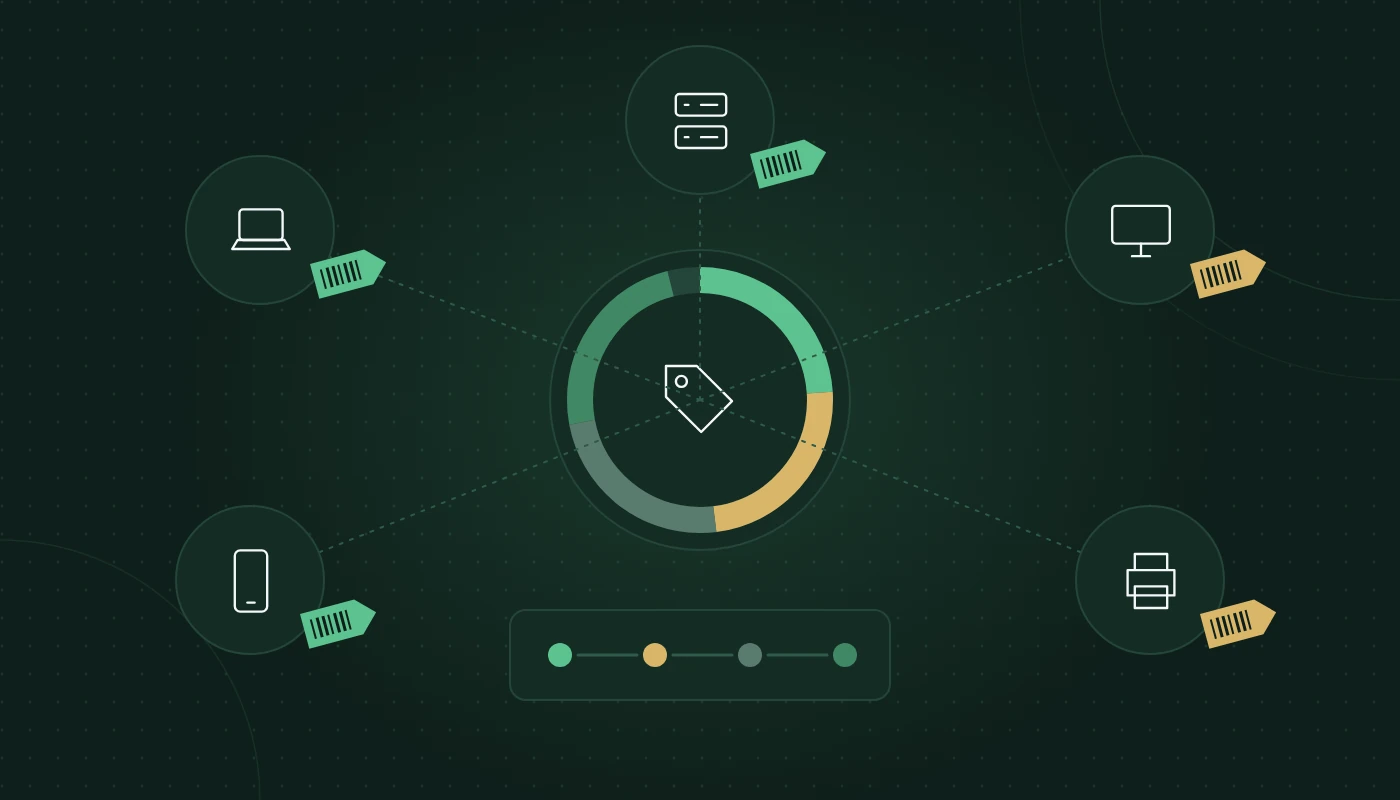
In this guide
- What is IT asset management?
- Why ITAM matters for Egyptian businesses
- The IT asset lifecycle
- IT asset register template
- Tagging and discovery
- Software license management
- Secure disposal and data wiping
- Tools: spreadsheet, RMM or dedicated ITAM
- IT asset management best practices
- KPIs to track
- Common mistakes
- FAQ
- Conclusion
Ask a finance manager how many laptops the company owns and you will often get a number from the fixed-asset ledger. Ask IT the same question and you may get a different number. What is IT asset management? It is the discipline that closes that gap: knowing exactly what hardware and software you have, where it is, who uses it, what it costs to run and when it should be replaced. This guide covers the lifecycle, a practical register template, software licences, secure disposal, tools and the KPIs that tell you whether it is working.
Key takeaways
- IT asset management (ITAM) tracks every hardware and software asset from purchase request to secure disposal.
- A single, trusted asset register is the core deliverable; tools and processes exist to keep it accurate.
- Software licences are often a bigger risk than hardware, because under-licensing creates audit exposure and over-licensing wastes budget.
- Secure data wiping and certified disposal protect you under Egyptian data protection law and your own client contracts.
- Reconcile the IT register with the finance fixed-asset register at least once a year.
- Start simple: a disciplined spreadsheet beats an expensive tool nobody updates.
What is IT asset management?
IT asset management is the set of processes, records and tools used to manage the technology an organisation owns or subscribes to throughout its life. An “IT asset” is anything with financial value and a technology function: laptops, servers, switches, phones, monitors, software licences, cloud subscriptions and even domain names and SSL certificates.
ITAM answers four simple questions about every asset:
- What is it? Make, model, serial number, specification, licence key.
- Where is it? Location, site, and the person or system using it.
- What state is it in? Warranty, support status, condition, age.
- What does it mean financially and contractually? Purchase date, depreciation, renewal date, contract terms.
ITAM vs IT inventory vs CMDB
These terms overlap but are not the same. An inventory is a list of what you have at a moment in time. ITAM manages assets through their whole lifecycle, including cost and contracts. A CMDB (configuration management database) records how systems relate to each other, such as which server hosts which application, and is used mainly for change and incident management in larger IT teams. Small and mid-sized businesses usually need solid ITAM long before they need a full CMDB.
Why ITAM matters for Egyptian businesses
The case for ITAM is stronger than many owners assume, and several Egypt-specific factors add weight.
- Corporate Tax and financial records. With Egypt Corporate Tax at 22.5% on taxable income above the threshold, fixed-asset records and depreciation need to stand up to scrutiny. IT equipment is often a significant part of the fixed-asset register, and it must match reality.
- Data protection. The Egyptian Personal Data Protection Law (Law No. 151 of 2020 (Personal Data Protection Law)) sets obligations around protecting personal data. Free zones such as special economic zones have their own data protection regimes. A lost or improperly disposed laptop can become a reportable incident.
- Staff mobility. The Egyptian workforce is mobile, and joiners and leavers are frequent. Without ITAM, devices leave with employees or sit unassigned in drawers.
- Climate. Heat and dust shorten hardware life, so refresh cycles may need to be shorter than manufacturers’ typical guidance, especially for devices in warehouses or site offices.
- Multi-entity structures. Groups with a mainland company and one or more free zone entities need to know which entity owns which asset, for both accounting and licensing.
The IT asset lifecycle
Every asset passes through the same IT asset lifecycle. Managing each stage deliberately is what separates real ITAM from a list.
| Stage | What happens | Key records | Common failure |
|---|---|---|---|
| 1. Plan | Identify need, set standards, approve request | Business case, standard model list | Buying ad hoc models that complicate support |
| 2. Procure | Select supplier, raise PO, receive goods | PO, invoice, warranty terms, delivery note | Warranty not registered; invoice lost |
| 3. Deploy | Tag, configure, image, assign to user | Asset tag, serial, assigned user, location | Device handed out before being recorded |
| 4. Operate and maintain | Patch, support, repair, move, reassign | Tickets, repair history, moves | Changes never reflected in register |
| 5. Retire | Decommission, wipe, dispose or redeploy | Wipe certificate, disposal record | Data left on drives; assets “disappear” |
Plan
Planning starts with standards. Pick a small number of approved laptop and desktop models per role, approved peripherals and a default software bundle. Standardising reduces support effort and makes spare parts and imaging simpler.
Procure
Record warranty terms and register devices with the manufacturer at the point of receipt. In Egypt, check that the warranty is valid locally; grey-import devices sometimes carry warranties that the regional service centre will not honour.
Deploy
No device should reach a user before it is tagged and recorded. The handover should include a simple acknowledgement, ideally signed electronically, so the employee confirms what they received.
Operate and maintain
During its working life, the asset generates repair tickets, moves and reassignments. These events must update the register automatically or by procedure. If you have an IT AMC, preventive maintenance visits are an ideal time to verify asset records. Our IT AMC guide explains how to tie the two together.
Retire
Retirement covers redeployment, resale, donation or recycling. In every case, data must be securely erased first and the event recorded. We cover disposal in more detail below.
IT asset register template
An IT asset register template should be detailed enough to be useful and simple enough that people keep it updated. These are the fields we recommend for most businesses.
| Field | Example | Why it matters |
|---|---|---|
| Asset tag | ITC-LT-0142 | Unique ID that never changes |
| Asset type | Laptop | Filtering and reporting |
| Make / model | Dell Latitude 5450 | Support and standardisation |
| Serial number | 7XK92L3 | Warranty claims, theft reports |
| Specification | i7, 16 GB RAM, 512 GB SSD | Suitability and refresh planning |
| Owning entity | Mainland LLC / Free zone FZE | Accounting and licensing |
| Cost centre | Sales | Internal allocation |
| Assigned user | Employee ID or name | Accountability |
| Location / site | Cairo HQ, Floor 12 | Physical audits |
| Status | In use / In stock / Repair / Retired | Lifecycle tracking |
| Purchase date | 2025-03-14 | Age and depreciation |
| Supplier and invoice reference | Supplier name, INV-2291 | Audit trail |
| Warranty end date | 2028-03-13 | Repair decisions |
| Support/AMC coverage | Comprehensive AMC | Who fixes it |
| OS and version | Windows 11 23H2 | Patching and security |
| Encryption enabled | Yes | Data protection |
| Last verified | 2026-09-30 | Data quality |
| Disposal date and certificate | — | Proof of secure disposal |
Building your hardware inventory list
Your hardware inventory list is the hardware subset of the register. Start by listing what is easy to discover (computers via your management tool, network devices from switch and firewall tables), then walk the office for the rest: monitors, docking stations, printers, phones, UPS units, CCTV recorders and anything in storage cupboards.
Group the list by category and site so it is easy to check during a physical audit. For a 60-person office in Nasr City, a first full walk-round typically finds a surprising number of unrecorded monitors, spare laptops and old network gear.
Fields for software and subscriptions
Software needs a separate tab or table with: product name, edition, licence type (perpetual, subscription, per-user, per-device, per-core), quantity purchased, quantity assigned, licence key or contract ID, renewal date, owning entity and the person responsible.
Tagging and discovery
Physical tags
Use durable asset tags with a barcode or QR code. Tamper-evident labels discourage removal. In hot environments such as warehouses or vehicles, choose labels rated for heat; cheap paper labels peel off within a summer.
Automated discovery
Automated discovery tools scan your network and endpoints to find devices and installed software. Most remote monitoring and management (RMM) platforms and endpoint management tools such as Microsoft Intune can report hardware details and installed applications. Network scans pick up printers, switches and IoT devices that agents cannot.
Discovery is not a replacement for the register. It is an input that helps you find gaps and keep records current.
Reconciliation
At least twice a year, compare three sources: the discovered devices, the IT register and the finance fixed-asset register. Differences reveal lost, unrecorded or wrongly classified assets. A periodic IT audit is a convenient way to do this with an independent eye.
Software license management
Software license management is where many businesses carry their largest hidden risk. Hardware is visible; licences are not.
Why it matters
- Compliance. Vendors such as Microsoft, Adobe, Autodesk and Oracle run licence reviews. Being under-licensed can lead to back-billing and uncomfortable negotiations.
- Waste. Subscriptions assigned to people who left months ago keep renewing.
- Security. Unlicensed or unmanaged software often goes unpatched.
Understand licence models
You need to know how each product is licensed before you can count usage correctly:
- Per user (most SaaS, Microsoft 365)
- Per device (some desktop software, CALs)
- Per core or per processor (Windows Server, SQL Server, many database products)
- Concurrent (a pool shared by users at the same time)
- Perpetual with maintenance vs subscription
Server licensing in particular has rules around virtualisation and core counts that are easy to get wrong. Check vendor documentation or ask a licensing specialist.
A simple monthly routine
- Export assigned licences from each admin portal (Microsoft 365, Google Workspace, Adobe and so on).
- Compare against the HR list of active employees.
- Reclaim licences from leavers and reassign them.
- Record changes in the software register.
- Review upcoming renewals 90 days ahead.
Tie this into your joiner and leaver process so licences are assigned and removed as part of onboarding and offboarding, not weeks later.
Secure disposal and data wiping
Retiring an asset is the moment it is most likely to leak data. A laptop sold to a staff member or handed to a recycler can still contain client files, emails and saved passwords.
Steps for secure disposal
- Remove from management systems (directory, device management, monitoring).
- Back up any data that must be retained.
- Wipe storage using a recognised method, such as NIST SP 800-88 guidance (cryptographic erase for encrypted SSDs, overwrite for HDDs) or physically destroy drives for highly sensitive data.
- Record the wipe with a certificate or log showing serial number, method, date and technician.
- Choose an approved recycler for e-waste. Several governorates have waste regulations covering electronic equipment; use a licensed provider and keep their disposal certificate.
- Update the register to “Disposed” with the certificate reference.
Combining disposal with broader data loss prevention controls, such as full-disk encryption on every laptop, means a lost or retired device is far less dangerous.
Tools: spreadsheet, RMM or dedicated ITAM
| Option | Good for | Limitations |
|---|---|---|
| Spreadsheet | Under ~50 assets, single site, disciplined owner | Manual, error-prone, no automation |
| RMM / endpoint manager inventory | Automatic hardware and software data for managed devices | Misses unmanaged devices, limited lifecycle and finance fields |
| Helpdesk with asset module | Linking tickets to assets, small to mid-size teams | Asset depth varies by product |
| Dedicated ITAM / SAM tool | Larger estates, multiple sites, complex licensing | Requires set-up effort and ongoing ownership |
The right choice depends on size and complexity, not ambition. A 30-person agency can run a well-kept spreadsheet. A 400-person group across several governorates will benefit from dedicated IT asset management software integrated with its endpoint manager and helpdesk.
What to look for in a tool
- Automated discovery and agent-based inventory
- Barcode/QR scanning from a phone
- Lifecycle status and workflow (request, approve, assign, retire)
- Licence tracking with entitlement vs usage comparison
- Contract and warranty alerts
- Integration with your directory, helpdesk and finance system
- Role-based access and an audit trail
IT asset management best practices
These IT asset management best practices apply whatever tool you use.
- Name an owner. One person is accountable for the register’s accuracy, even if many people update it.
- Record at the point of receipt. Nothing is deployed until it is tagged and recorded.
- Standardise models. Fewer models mean simpler support, spares and imaging.
- Link to HR processes. Joiners get assets assigned; leavers return them before their final settlement is processed.
- Reconcile regularly. Compare discovery, register and finance records at least twice a year.
- Track warranties and renewals. Set alerts 90 days before expiry.
- Encrypt every portable device. It turns a lost laptop from a data breach into a hardware loss.
- Prove disposal. Keep wipe and recycling certificates for every retired asset.
- Plan refresh cycles. Use age and condition data to budget replacements rather than reacting to failures.
- Review licences monthly. Reclaim, reassign and right-size.
ITAM health checklist
☐ A single asset register exists and has a named owner
☐ Every device has a unique, durable asset tag
☐ New assets are recorded before deployment
☐ Joiner and leaver processes include asset assignment and return
☐ Warranty and support end dates are recorded
☐ Software licences are tracked against assigned users
☐ The register is reconciled with finance at least annually
☐ Portable devices are encrypted
☐ Disposal requires a wipe certificate
☐ Refresh plans use register data
These practices also strengthen your wider IT infrastructure services, because planning, support and security all depend on knowing what you have.
KPIs to track
| KPI | What it shows | Target direction |
|---|---|---|
| Register accuracy (sample audit match rate) | Data quality | Up |
| Unassigned assets in stock | Idle capital | Down, within a sensible spare pool |
| Assets past warranty | Repair risk | Down |
| Licences assigned vs purchased | Licence waste or shortfall | Close to 100% |
| Leavers with unreturned assets | Process gaps | Zero |
| Disposals with certificates | Disposal compliance | 100% |
| Average device age by category | Refresh planning | Within policy |
Common mistakes
- Treating ITAM as a one-off project. A register built once and never updated is out of date within months.
- Separate lists in IT and finance. Two registers that never reconcile mean neither is trusted.
- Ignoring cloud subscriptions. SaaS bought on company cards by departments is a growing blind spot.
- Recording only “big” assets. Monitors, docks and phones add up and walk out of the door.
- Skipping data wiping for “internal” redeployment. The next user should not inherit the previous user’s files.
- Buying a tool before defining a process. Tools amplify good processes; they do not create them.
- Forgetting which legal entity owns the asset. It matters for accounting, licensing and VAT recovery.
Frequently asked questions
What is IT asset management in simple terms?
It is knowing what technology your organisation owns or subscribes to, where it is, who uses it, what condition it is in and when to replace it, and managing that information from purchase to disposal.
What should an IT asset register template include?
At minimum: asset tag, type, make and model, serial number, assigned user, location, status, purchase date, supplier and invoice reference, warranty end date, owning entity and disposal details.
What is the difference between a hardware inventory list and an asset register?
A hardware inventory list records the physical devices you have. An asset register adds lifecycle, financial, contractual and ownership information, and usually includes software too.
What are the stages of the IT asset lifecycle?
Plan, procure, deploy, operate and maintain, and retire. Each stage has records that should be captured in the asset register.
How often should we audit IT assets?
A full physical audit once a year is a good baseline, with automated discovery running continuously and reconciliation between IT and finance records at least twice a year.
What is software license management?
It is tracking software entitlements against actual usage so you remain compliant with vendor terms and avoid paying for unused licences.
How should we dispose of old laptops safely?
Remove them from management systems, back up needed data, wipe storage using a recognised standard or destroy the drive, record the wipe, use a licensed e-waste recycler and update the register.
Do small businesses need IT asset management software?
Not always. Under about 50 assets, a well-maintained spreadsheet and your device manager’s inventory can be enough. As you grow, multiple sites and licence complexity make dedicated software worthwhile.
Conclusion
So, what is IT asset management in practice? It is a living register backed by simple, repeatable processes: record on arrival, update on every change, reconcile regularly, manage licences monthly and prove secure disposal. Get that right and budgeting, support, security and audits all become easier.
To understand where ITAM fits in your wider estate, read our explainer on what IT infrastructure is or browse more IT guides.
Ready to get full visibility of your IT assets?
More IT infrastructure guides
What Is Virtualization? Types, Hyper-V vs VMware and How to Plan
What virtualization is, the main types, its role in cloud computing, Hyper-V vs VMware compared, VMware alternatives and how to plan a project.
NAS vs SAN, RAID and Server Sizing: A Practical Guide for Business
Choose the right business server and storage: NAS vs SAN vs DAS, rack vs tower servers, RAID levels, sizing, backups and when to use the cloud.
Structured Cabling Guide: Cat6 Cable vs Cat6a, Standards and Installation
Everything about Cat6 cable and structured cabling: Cat6 vs Cat6a, TIA/ISO standards, installation, testing and labelling for Egyptian offices.